> For the complete documentation index, see [llms.txt](https://docs.robpod.cloud/llms.txt). Markdown versions of documentation pages are available by appending `.md` to page URLs; this page is available as [Markdown](https://docs.robpod.cloud/robot/robot-tool-window/debug.md).
# Debug
{% hint style="info" %}
Debug tab is available only for Universal Robots.
{% endhint %}
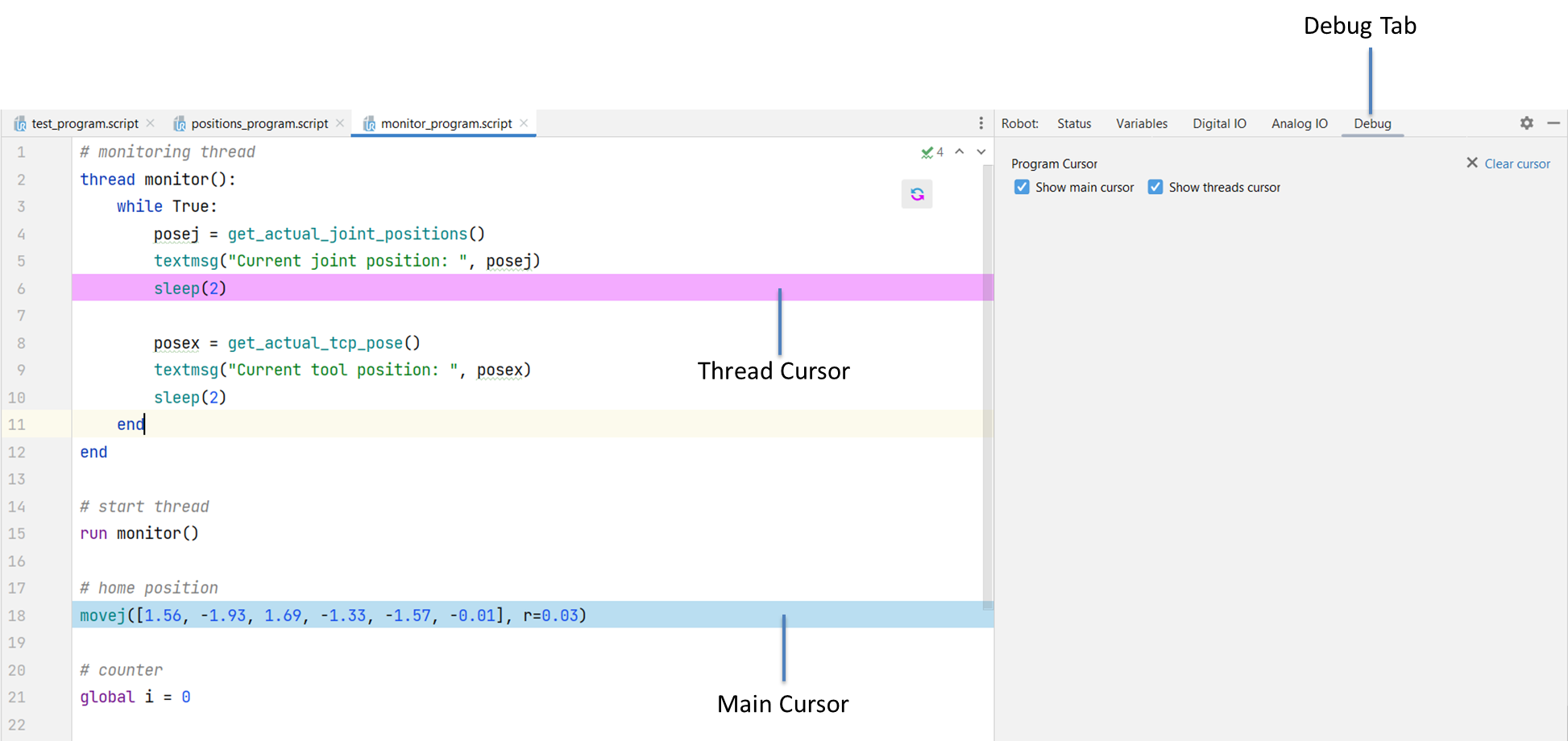
Inside the **Debug** Tab of the  [Robot Tool Window](/robot/robot-tool-window.md) you can enable the program cursor to keep trace of the script execution while a program is running.
Enable the **Main Cursor** to trace the main thread execution on the script editor.
Enable the **Threads Cursor** to show also the progress of secondary threads.
{% embed url="" %}